What is desktop support?
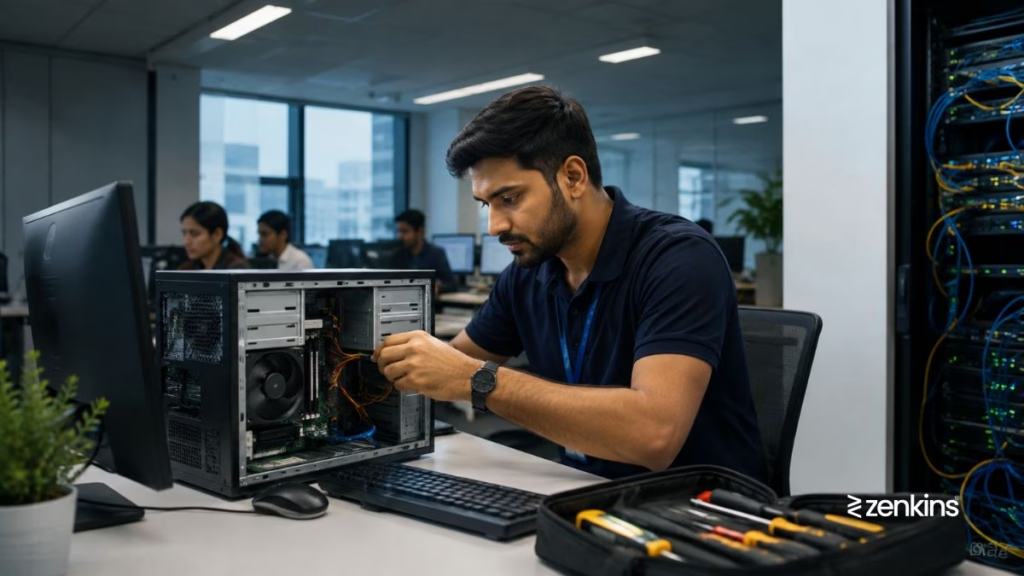
Desktop support refers to the technical assistance provided to end users for their personal computing devices, including desktops, laptops, printers, and peripherals. It is a crucial component of IT support services that ensures employees can work efficiently without being hindered by hardware or software issues.
Understanding what is desktop support is essential for businesses aiming to maintain productivity, minimize downtime, and deliver a seamless IT experience to employees.
What Does Desktop Support Include?
- Hardware Troubleshooting
- Repair or replacement of computers, monitors, printers, and accessories
- Software Installation & Configuration
- Setting up operating systems, office suites, antivirus, and business applications
- User Account Management
- Creating, modifying, or removing user accounts and access permissions
- Network Connectivity Issues
- Diagnosing Wi-Fi, LAN, and VPN problems
- Peripheral Support
- Help with devices like scanners, webcams, and docking stations
- Patch Management
- Updating systems with the latest security and software patches
- Data Backup & Recovery
- Ensuring files are safely stored and can be recovered if lost
Who Provides Desktop Support?
- In-house IT Teams
- Located on-site and directly employed by the organization
- Managed Service Providers (MSPs)
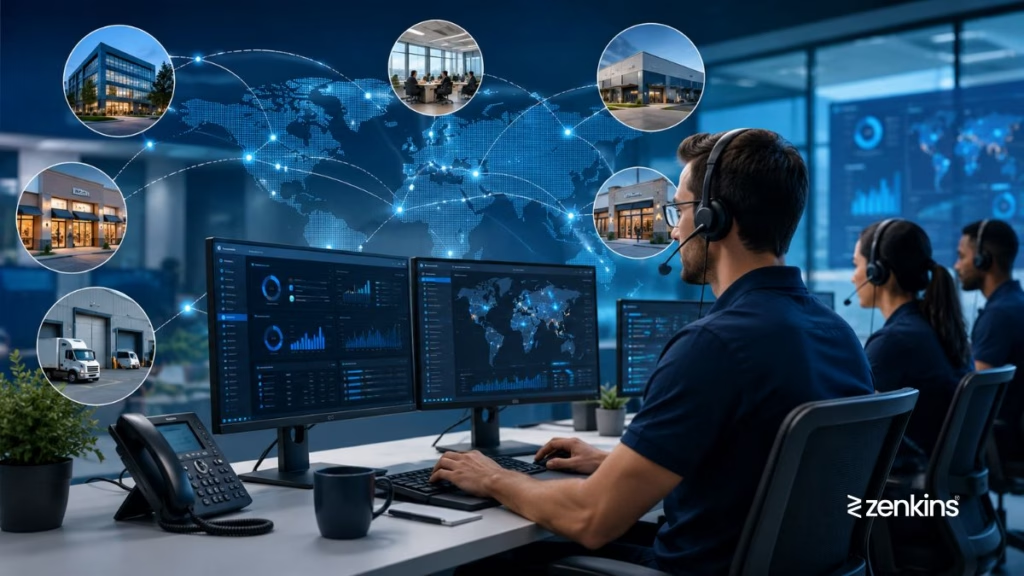
- Outsourced vendors offering remote or hybrid desktop support
- Onsite/Field Technicians
- Professionals who visit offices or remote locations for physical repairs
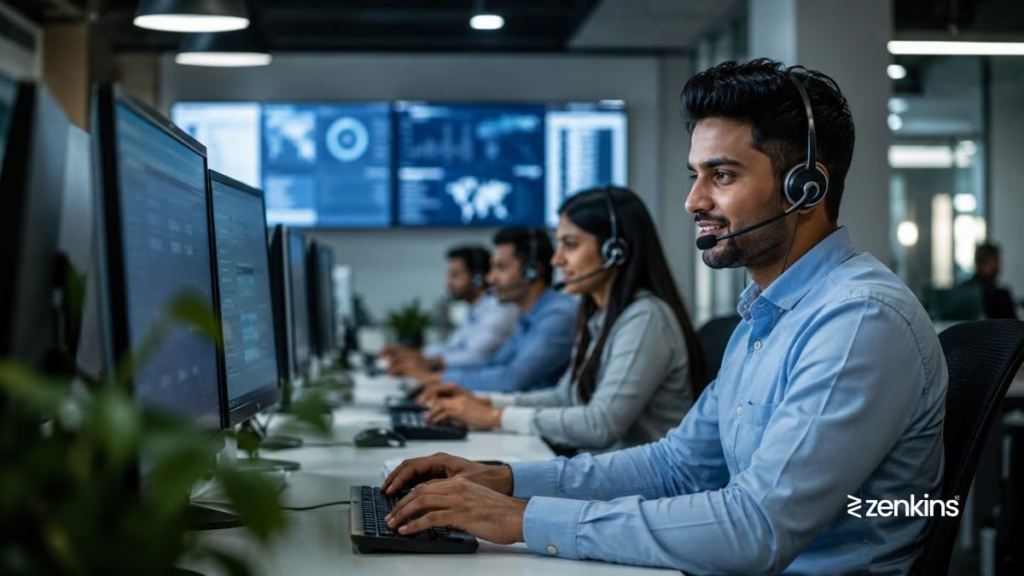
Desktop Support vs Helpdesk Support:
| Feature | Desktop Support | Helpdesk Support |
|---|---|---|
| Focus | User hardware & local software | General technical issues (tier 1 support) |
| Type of Issues Handled | Physical device, OS, user desktop problems | Passwords, ticket routing, basic software |
| On-site Requirement | Often needed | Usually remote |
They often work together, with helpdesk agents escalating physical or complex issues to desktop support technicians.
Benefits of Desktop Support:
- Quick resolution of user device issues
- Reduces downtime and employee frustration
- Supports onboarding and hardware setup
- Enhances IT security and policy enforcement
- Improves compliance through consistent updates and controls
Tools Used in Desktop Support:
- Remote Access Tools: TeamViewer, AnyDesk, Chrome Remote Desktop
- ITSM Platforms: Freshservice, ManageEngine, ServiceNow
- Asset Management: Lansweeper, Microsoft Intune
- Security Tools: Antivirus, encryption, user access management
Final Thoughts
Knowing what is desktop support helps organizations build a reliable IT foundation for employee productivity. Whether it’s resolving a slow computer, installing critical software, or helping with device setup, desktop support ensures that end users stay connected, secure, and supported.