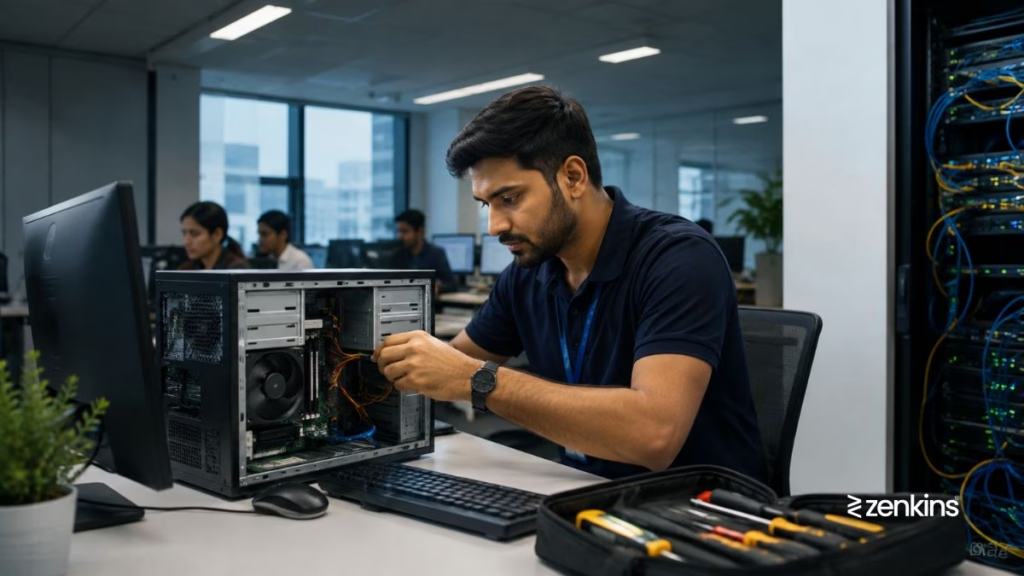
Software Installation & Updates – Keeping business software up-to-date and properly installed is essential for productivity, security, and operational efficiency. Outdated or improperly installed applications can cause slowdowns, errors, and security vulnerabilities. A professional IT Help Desk ensures software is deployed correctly, maintained regularly, and updated on time.
The Problem
“Our team struggles with installing new software or updating existing applications. Some updates break functionality, while others are missed entirely. How can we manage this efficiently?”
Common Software Installation & Update Challenges
Businesses often face issues like:
- Inconsistent software versions across devices, causing compatibility problems
- Failed installations or update errors due to insufficient permissions or corrupted files
- Security vulnerabilities from delayed patches
- Incompatible updates that conflict with existing software
- Manual deployment delays affecting multiple users
- License management issues leading to compliance risks
- Lack of documentation or standardization for software deployment
These challenges can impact productivity, create support tickets, and even put sensitive data at risk.
How a Help Desk Resolves Installation & Update Issues
A structured IT Help Desk manages software installations and updates efficiently through a step-by-step process:
- Assess software requirements – Ensure compatibility with operating systems and other applications.
- Follow standardized deployment procedures – Use SOPs to install software consistently across devices.
- Perform pre-installation checks – Verify available storage, permissions, and dependencies.
- Install or update software – Apply the latest versions while minimizing disruption.
- Test functionality – Confirm the software works correctly and integrates with existing tools.
- Document and track updates – Maintain records for audit, compliance, and future troubleshooting.
- Automate where possible – Use deployment tools for bulk updates to reduce human error.
- Escalate complex issues – Engage vendors or L2/L3 support for persistent or critical errors.
How Zenkins Help Desk Optimizes Software Management
At Zenkins, we ensure software management is seamless and secure:
- Centralized deployment and update management for all desktops, laptops, and servers
- Automated patch management to keep security updates current
- SOP-driven installation processes for consistency across devices
- License compliance tracking to avoid regulatory risks
- Monitoring of update failures to quickly troubleshoot and resolve issues
- Knowledge base and self-service guides for end-users to handle minor updates themselves
This approach reduces downtime, enhances security, and ensures business applications always perform at their best.
Best Practices for Software Installation & Updates
- Standardize approved software lists and versions across the organization
- Schedule regular updates during low-usage periods to minimize disruption
- Use automated tools for deployment and patch management
- Monitor system compatibility before installing major updates
- Maintain backup and rollback plans in case updates cause issues
- Keep clear documentation of software versions, licenses, and update schedules
When to Seek Professional Help
If your business struggles with frequent update failures, software incompatibility, or compliance risks, a dedicated IT Help Desk like Zenkins can streamline installations, automate updates, and ensure all applications run smoothly and securely.
Final Thoughts
Proper software installation and timely updates are critical for productivity, security, and compliance. A structured IT Help Desk not only handles installations efficiently but also proactively prevents errors, reduces downtime, and keeps your business running smoothly.
Need expert help with software installation and updates?
Zenkins provides 24/7 help desk services to manage software deployment, updates, and compliance, ensuring your business stays secure and productive.
Contact us to learn more.