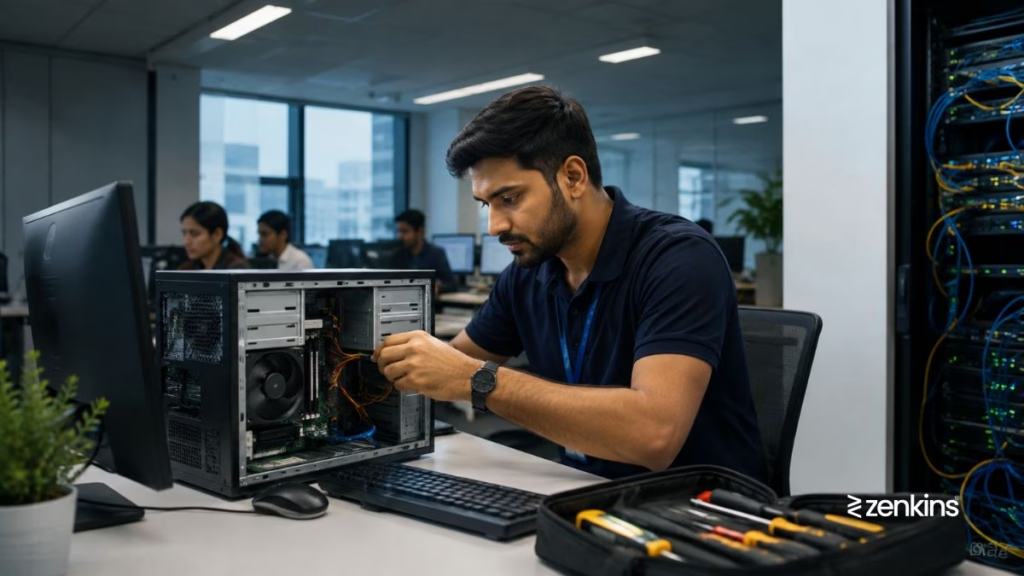
Hardware failures — such as malfunctioning laptops, printers, or scanners — can bring daily business operations to a halt. A professional IT Help Desk ensures quick diagnosis, repair, or replacement to minimize downtime and keep employees productive.
The Problem
“One of our laptops or office devices has stopped working. How can we resolve this quickly without disrupting business operations?”
Common Causes of Hardware Failures
Hardware issues can arise from multiple sources:
- Wear and tear or aging components
- Overheating or poor ventilation
- Power surges or electrical failures
- Faulty cables or connectors
- Printer jams, scanner errors, or peripheral malfunctions
- Hard drive or SSD failures
- Driver conflicts or outdated firmware
- Improper handling or accidental damage
Even minor hardware problems can cause major workflow interruptions if not addressed promptly.
How a Help Desk Resolves Hardware Failures
A structured IT Help Desk follows a systematic approach to address hardware issues:
- Identify the device and issue – Gather detailed information about the failure.
- Perform remote diagnostics – Check device status, drivers, and software conflicts.
- Provide troubleshooting guidance – Walk users through common fixes (e.g., power cycles, reconnecting peripherals).
- Determine repair or replacement needs – Assess whether the device can be repaired on-site or needs replacement.
- Coordinate repair or replacement – Work with vendors, internal procurement, or IT teams to provide a functional device.
- Verify functionality – Test the device to ensure it is fully operational.
- Document the incident – Record the problem, resolution steps, and preventive measures for future reference.
How Zenkins Help Desk Minimizes Hardware Disruptions
At Zenkins, our help desk ensures hardware reliability through:
- 24/7 support for laptops, desktops, printers, scanners, and other peripherals
- Remote diagnostics and troubleshooting to quickly identify root causes
- Vendor coordination for warranty repairs or replacements
- Preventive maintenance schedules for critical office hardware
- Asset tracking and lifecycle management for better planning
- Documentation and knowledge base articles for common device issues
By addressing hardware problems quickly, we reduce downtime and keep your workforce productive.
Best Practices to Prevent Hardware Failures
- Perform regular maintenance and cleaning of devices
- Keep firmware and drivers updated
- Use surge protectors and UPS devices for sensitive equipment
- Train employees on proper handling and safe usage
- Monitor hardware health through diagnostic tools
- Maintain spare devices for critical roles to avoid business interruptions
When to Seek Professional Help
If hardware issues occur frequently or affect multiple devices, it may indicate underlying infrastructure or procurement problems. A dedicated help desk can diagnose root causes, coordinate repairs, and implement preventive strategies.
Final Thoughts
Hardware failures are inevitable, but their impact can be minimized with structured support. A proactive IT Help Desk ensures fast troubleshooting, repair, and replacement — keeping your business operations uninterrupted.
Need reliable hardware support for your business?
Zenkins provides 24/7 help desk services to manage laptops, printers, scanners, and other devices, ensuring minimal disruption to your workflow.
Contact us to learn more.