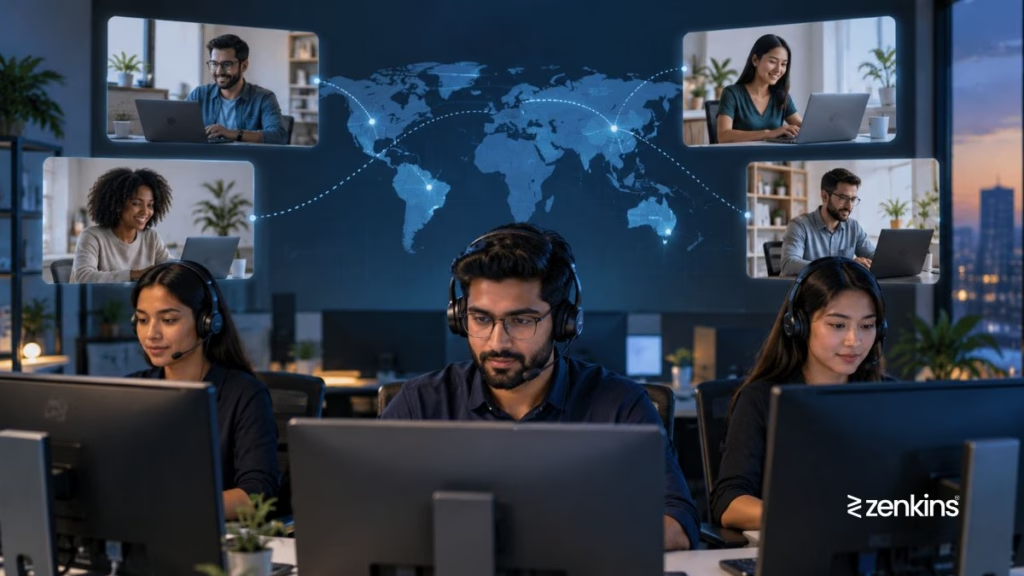
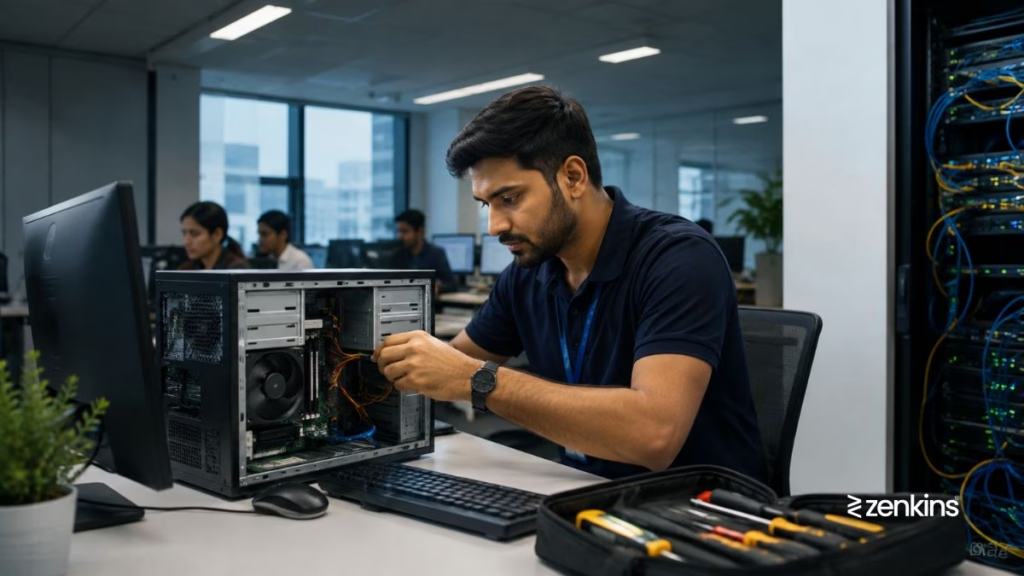
Software Compatibility Conflicts can disrupt business workflows, cause application crashes, and reduce productivity. When new software, updates, or system changes conflict with existing applications, employees may experience errors, crashes, or performance issues. A dedicated IT Help Desk ensures that software runs seamlessly across all devices and platforms, minimizing downtime and maintaining operational efficiency.
The Problem
“Our new application isn’t working with existing tools.”
“After an update, some programs keep crashing.”
“Users report error messages when running legacy software.”
These are common software compatibility conflicts that affect businesses of all sizes. Without proper testing, monitoring, and support, software conflicts can lead to lost productivity, frustrated users, and increased IT support costs.
Common Causes of Software Compatibility Conflicts
Software conflicts arise from a variety of technical issues, including:
- Operating system incompatibility with new applications
- Version mismatches between software and dependent libraries
- Conflicts between multiple applications trying to access the same resources
- Driver or hardware compatibility issues
- Outdated software or missing patches
- Incompatible browser extensions or plugins
- Changes from system updates causing legacy software to fail
- Incorrect installation sequences or corrupted files
Understanding the root cause helps the Help Desk resolve issues quickly and prevent recurring conflicts.
How a Help Desk Resolves Software Compatibility Conflicts
A structured Software Support Help Desk follows a systematic approach to identify, diagnose, and resolve compatibility issues efficiently.
Step-by-Step Approach:
- Identify the affected systems and applications – Determine which users and devices are experiencing issues.
- Check software versions and dependencies – Verify compatibility with the operating system and other installed applications.
- Analyze error logs and crash reports – Identify the root cause of conflicts.
- Test potential fixes in a controlled environment – Ensure solutions won’t affect other systems.
- Apply patches, updates, or configuration changes – Resolve the conflict safely.
- Document resolutions and preventive measures – Prevent recurrence of similar issues.
- Educate users – Provide guidelines for software installation and updates to avoid conflicts.
By following these steps, a Help Desk ensures that business-critical software functions smoothly across all platforms.
How Zenkins Help Desk Ensures Software Compatibility
At Zenkins, our Software Support Help Desk Services proactively manage software deployment, updates, and troubleshooting. We ensure seamless compatibility across all devices and systems to reduce downtime and support costs.
Our Key Services Include:
- Software installation and configuration support
- Compatibility testing for new software and updates
- Patch management and update deployment
- Troubleshooting application crashes and conflicts
- Legacy software support for older systems
- Driver and hardware compatibility resolution
- User guidance for safe software installation
- Documentation and reporting for recurring issues
Zenkins’ IT Help Desk ensures that all your applications and systems work together efficiently, enhancing productivity and minimizing disruptions.
Best Practices to Avoid Software Compatibility Conflicts
Preventing software conflicts is easier than fixing them. Follow these best practices:
- Maintain a software inventory with versions and dependencies
- Test updates in a sandbox environment before deployment
- Apply regular patches and updates for all software and drivers
- Use centralized software management tools for deployment
- Avoid installing conflicting applications on the same machine
- Educate users on approved installation and update procedures
- Maintain backup and rollback plans in case an update fails
Implementing these practices reduces downtime and ensures a stable software ecosystem.
When to Engage Professional Software Support Help Desk
If employees frequently face application crashes, update failures, or compatibility issues, a professional Software Support Help Desk is essential.
Zenkins’ Software Compatibility Help Desk provides proactive support, testing, and troubleshooting to ensure seamless IT operations across all platforms.
Final Thoughts
Software Compatibility Conflicts can disrupt productivity and increase IT costs if not addressed properly. Partnering with Zenkins’ IT Help Desk ensures software runs smoothly, updates are tested, and conflicts are resolved efficiently — keeping your business operations uninterrupted.
Keep your software ecosystem stable with Zenkins.
Zenkins’ Software Compatibility Support Services handle installation, updates, and troubleshooting to ensure seamless operation across all devices and platforms.
Contact us to safeguard your IT environment today.