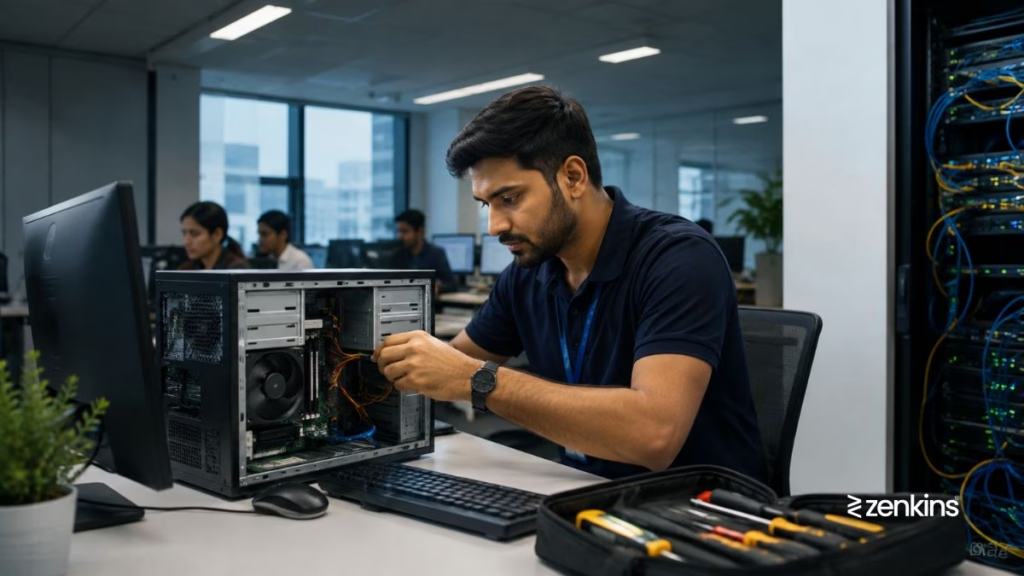
Slow (Slow System Performance) or unresponsive systems are one of the most frequent frustrations employees face during daily operations. When applications lag, systems freeze, or networks slow down, productivity drops — and so does employee morale. Fortunately, a professional IT Help Desk can diagnose and resolve such performance issues before they affect business continuity.
The Problem
“Our systems have become really slow — applications take minutes to load, and it’s affecting everyone’s productivity. What’s causing this, and how can we fix it?”
Why Systems Become Slow
System performance issues can stem from multiple layers — hardware, network, application, or even user-level factors. Common causes include:
- Low system resources (CPU, RAM, or storage overload)
- Too many background applications consuming bandwidth or processing power
- Outdated software or drivers slowing performance
- Unpatched operating systems or security vulnerabilities
- Network congestion or poor Wi-Fi connectivity
- Insufficient server capacity for growing workloads
- Virus or malware infections consuming system resources
- Heavy browser extensions or cached data buildup
- Poorly optimized databases or applications
Left unchecked, these issues can escalate from mild slowness to full-blown system crashes or downtime.
How a Help Desk Diagnoses and Fixes It
A structured IT Help Desk follows a systematic process to identify the root cause and restore performance:
- Collect initial information – Understand the user’s symptoms, affected systems, and recent changes.
- Check basic health metrics – CPU usage, memory utilization, disk space, and network speed.
- Perform cleanup tasks – Clear cache, temporary files, and redundant processes.
- Update and patch – Ensure all drivers, operating systems, and applications are up to date.
- Scan for malware or background apps – Remove unwanted programs or malicious processes.
- Adjust performance settings – Optimize startup programs, system power modes, and resource limits.
- Network diagnostics – Run ping tests and latency checks to rule out network-related issues.
- Escalate if required – If performance issues stem from deeper infrastructure or database problems, the help desk coordinates with L2/L3 support or the infrastructure team.
How Zenkins Help Desk Keeps Systems Running Smoothly
At Zenkins, our help desk engineers focus on proactive performance management — not just reactive fixes. We ensure systems remain stable and optimized through:
- Continuous endpoint monitoring for CPU, RAM, and storage health
- Automated alerts for abnormal resource consumption
- Scheduled system tune-ups and updates
- Patch management and version control
- Centralized performance reporting and trend analysis
- Malware prevention and system cleanup routines
- 24/7 user support for performance troubleshooting
By monitoring patterns and addressing issues early, we help businesses prevent downtime and maintain consistent productivity.
Best Practices to Avoid Performance Issues
Here are a few preventive measures that keep your systems performing at their best:
- Regularly update your OS and applications
- Schedule weekly disk cleanups and defragmentation (where applicable)
- Remove unused applications and browser extensions
- Ensure network routers and switches are properly configured
- Educate employees about safe browsing and avoiding heavy downloads
- Implement centralized patch management
- Use lightweight antivirus and endpoint protection tools
- Periodically review system performance reports
When to Seek Professional Support
If your team is frequently experiencing slow systems or recurring lag despite internal fixes, it’s time to engage a dedicated IT help desk partner. Expert technicians can identify deeper infrastructure issues, apply performance automation tools, and optimize configurations to keep your systems running efficiently.
Final Thoughts
Slow systems might seem like a small inconvenience, but over time they can significantly reduce efficiency and revenue.
A proactive Help Desk not only resolves immediate performance issues but also ensures long-term stability through regular monitoring, updates, and preventive care.
Need your systems running faster and smoother?
Zenkins offers 24/7 performance monitoring and IT help desk services designed to keep your business efficient and agile.
Contact us to learn how we can help.