Industry: Industrial manufacturing
Locations: Multiple manufacturing plants in India
Services: Legacy application modernization, workflow automation, ERP integration, custom software development
Technology: .NET 10, ASP.NET Core MVC, SQL Server
Status: Build in progress
At a glance
| Challenge | An ageing in-house application with process logic hard-coded, unable to support different processes across plants |
| Solution | A configurable workflow platform with plant-specific processes, role-based forms and ERP data integration |
| Approach | Structured analysis of the existing system, business-validated redesign, then phased build |
The client
The client is an industrial manufacturer operating multiple plants in India. Every new item, from finished goods to components and tooling, must be registered in the company’s ERP before it can be produced, costed or shipped.
Registering a single item involves several departments, including engineering, packaging, finance, supply chain, quality and ERP administration, many of which work in parallel.
The challenge
The existing item registration application had supported the business for many years but had reached its limits.
- Process logic was hard-coded. Any change to who does what, and in which order, required code changes and redeployment.
- One process for all plants. Plants followed different ways of working, but the application could only support a single process.
- Operational issues. Requests occasionally went to the wrong department or stalled, exports needed manual correction, and notifications were unreliable.
- Manual re-entry. Teams re-typed information that already existed in the ERP.
- Limited accountability. Cancellations and exceptions were not consistently controlled or recorded.
Our approach
1. Understand the existing system
We analysed the existing application in detail to document how requests were actually routed, which rules existed only in code, and which behaviours should be kept, fixed or changed. This revealed gaps between the documented process and what the system really did.
2. Redesign with the business
We worked with process owners to turn their flowcharts and change requests into a formal specification covering every department’s step, form and business rule. Open points were resolved with the client before development started.
3. Build in phases
Development is delivered in small, testable increments, each verified against the agreed specification.
The solution
Configurable workflow engine
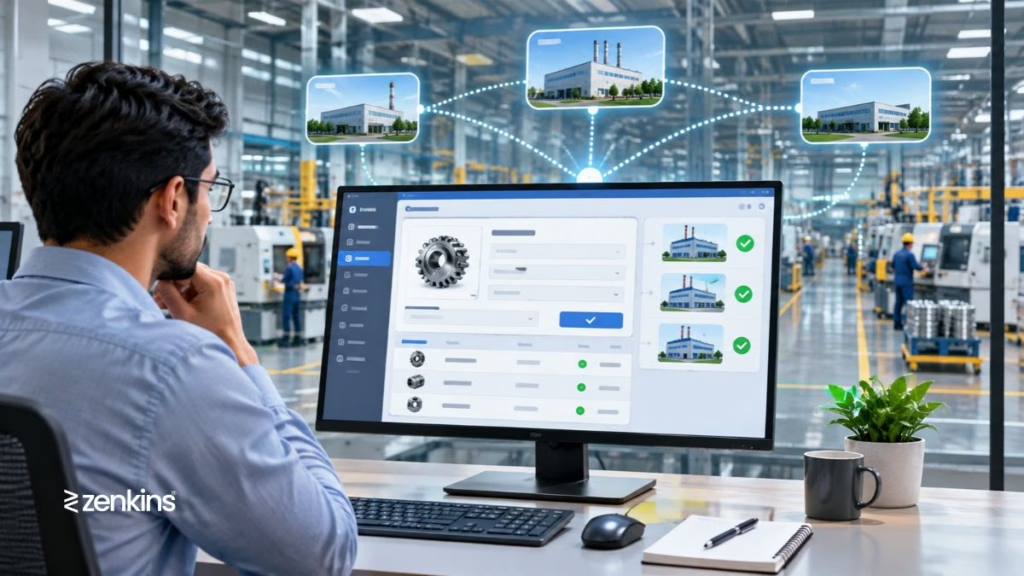
Each request type and plant has its own process definition stored as configuration, not code. Departments can work in parallel, steps that don’t apply are skipped automatically, and process changes don’t disrupt requests already in progress.
Plant-aware access
Users only see the request types and plants they are authorised for, with every check enforced on the server.
Role-based forms with ERP integration
Each department works on its own form. Where data already exists in the ERP, it is pre-filled and remains editable, reducing manual entry.
Controlled exceptions and full audit trail
Requests can be sent back to an earlier department, put on hold or rejected, with mandatory remarks. Every action is recorded.
Reliable notifications
Notifications are queued as part of each workflow action and delivered by a background service with retries and status tracking.
Secure by design
No credentials in source code, least-privilege database access and stored-procedure-based data access.
Before and after
| Area | Before | After |
|---|---|---|
| Process definition | Hard-coded | Configurable per request type and plant |
| Plant-specific processes | Not supported | Supported |
| Parallel work | Hard to track | Clear pending status per department |
| Not-applicable steps | Handled manually | Skipped automatically by rule |
| ERP data | Re-entered manually | Pre-filled from the ERP |
| Exceptions | Loosely controlled | Send back, hold and reject with remarks |
| Audit trail | Partial | Complete history of every action |
| Notifications | Unreliable | Queued, retried and tracked |
| Platform | Legacy web application | Modern .NET platform |
Results
The platform is currently in build. Agreed goals:
- Process changes through configuration instead of code releases
- Plant-specific processes supported in one platform
- Less manual data entry
- Full traceability of every request
Measured outcomes will be published after go-live.
Why it matters for manufacturers
Item registration gates new product introduction. Until an item is registered, it cannot be costed, priced, produced or shipped. A workflow that reflects how each plant works, reuses ERP data and shows exactly where a request is waiting shortens that delay without adding headcount.
Frequently asked questions
What is item registration in manufacturing?
It is the controlled process of creating a new item in the ERP item master, with the engineering, packaging, finance and supply chain data needed before it can be produced and sold.
Why replace a legacy application instead of patching it?
When process logic is hard-coded, every change carries regression risk and needs a release. Moving the process into configuration lets the business adapt without redeploying.
Can one workflow platform support different processes at different plants?
Yes. Each plant can have its own process for the same request type, while departments that do the same work share the same forms.
How long does a legacy workflow modernization take?
It depends on the number of processes and integrations. Starting with a structured analysis and an agreed specification reduces rework during the build.
Planning a similar modernization?
Zenkins builds custom manufacturing software, including ERP-integrated workflow platforms. If critical processes in your business run on an ageing application, we can help you assess what you have and plan what it should become.